
Product
Core Platform
Analytics Platform AI SDLC Diagnosis AI Agent MCP Server Keypup API Capabilities
DORA Metrics Issue Cycle Time Team Benchmarking AI Usage Monitoring Connect
View Integrations →  Model Context Protocol
The Keypup MCP Server
Plug Keypup into Claude, ChatGPT, Cursor, Kiro, VS Code, Gemini CLI or any MCP-compatible AI assistant. Ask questions in plain language, let it explain what your insights show, and have it build and edit your dashboards. It acts as you, with your permissions: no code, no SQL, no complexity.

Everything you do in the Keypup app, from your AI assistant
Explore datasets and their fields, and run queries with metrics, dimensions and filters, including the insight designer's filters such as "is me" or "in the last N weeks"
Get the exact queries behind an insight or a whole dashboard, dashboard filters included, then check the numbers or break them down further
Search and count your dashboards, insights, projects and members, with the same visibility as in the app
Update your team's settings, invite members, change roles, and enable, disable or track projects
Create, edit, copy and share insights and dashboards, start from Keypup's library of ready-made insights, and arrange them on the grid. Every change is checked before it is saved, so a broken insight never reaches your dashboard.
"Show me bug resolution time by team"
Finds your team, the right dataset and the insights involved
Runs the queries, or builds the dashboard
Clear summary with actionable data
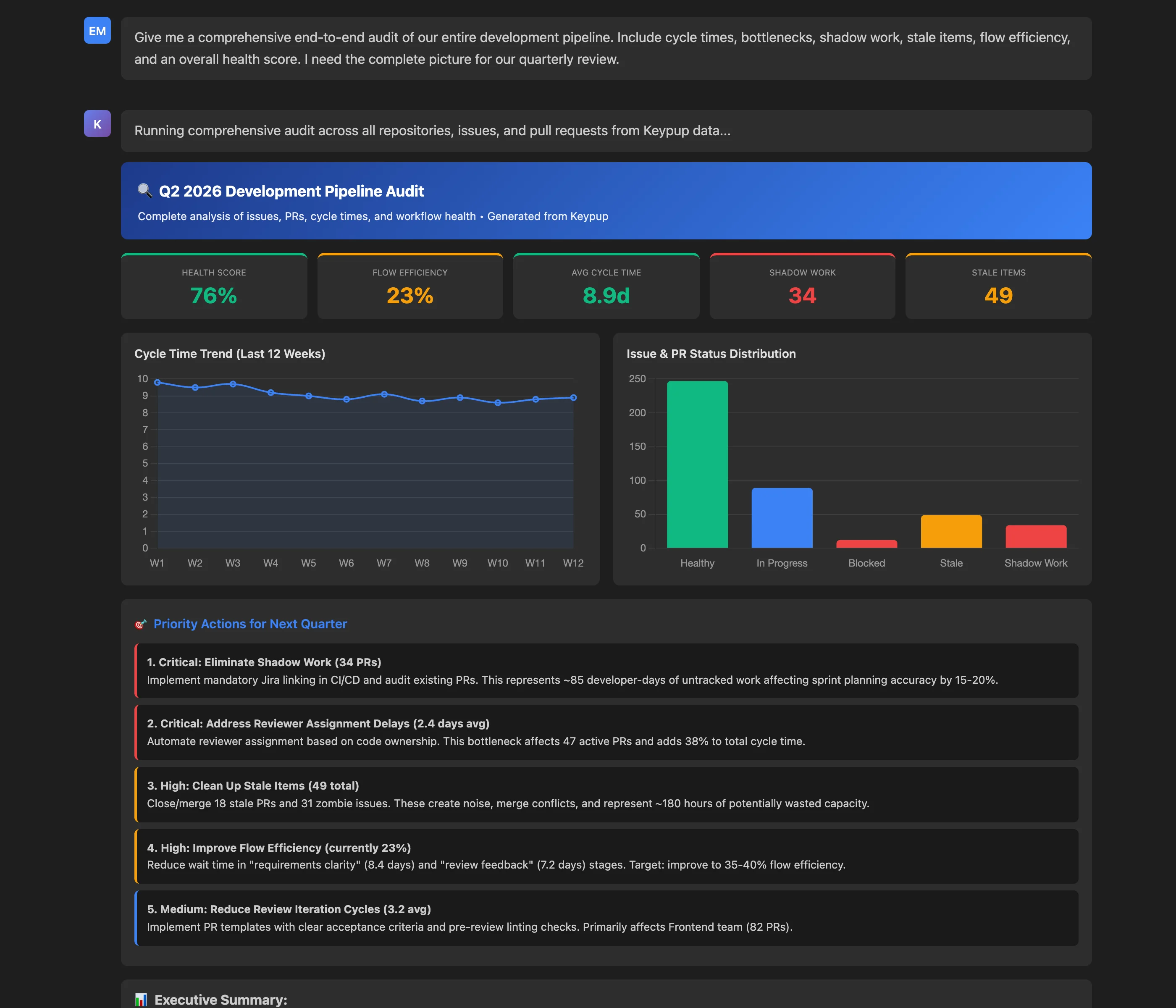
Real-world requests that the MCP server handles seamlessly
Refine iteratively: Once you have results, you can ask follow-ups like "now break that down by repository", "restrict it to the backend team" or "add that as an insight on my Delivery dashboard."
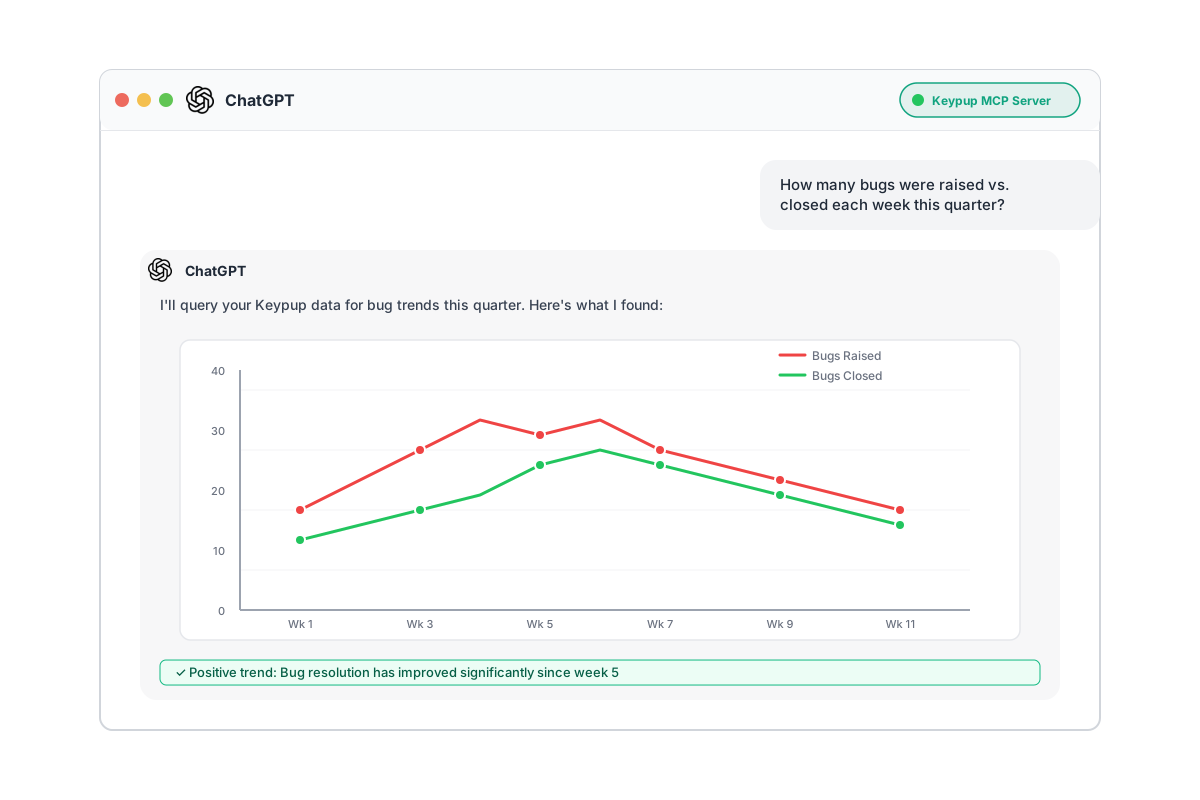
Get started with Keypup MCP server in three simple steps
Add Keypup to your AI assistant with the server URL:
https://hq.keypup.io/mcpkeypup entry to your mcp.json (see the configuration)Your AI assistant opens a browser window: sign in to Keypup and authorize access. There is no token to copy, store or rotate.
Check that the Keypup tools are available, then ask away:
You're all set! The AI will automatically orchestrate the right tools to answer your questions.
For an MCP client that does not support OAuth, use a Keypup API token:
mcp:read scope to let the AI read and query your data, and mcp:write to also let it make changes{
"mcpServers": {
"keypup": {
"url": "https://hq.keypup.io/mcp",
"headers": {
"Authorization": "Bearer YOUR_API_TOKEN_HERE"
}
}
}
}Important: Replace YOUR_API_TOKEN_HERE with your actual token. Keep the Bearer prefix.
Check out the complete documentation or contact our support team.
mcp:read alone for analysis, add mcp:write to allow changes Most AI clients let you approve each tool call. Keep approval on for the tools that change data, especially deletions and member changes. If you use an API token, treat it like a password and never commit it to version control.
Add the server URL, sign in, start asking. No complex installation required.
Ask in plain English—no SQL, no GraphQL, no query language to learn.
Works with Claude, ChatGPT, Cursor, Kiro, VS Code, and any MCP-compatible client.
The AI orchestrates the tools, runs the queries, summarizes the results, and builds the dashboards.
Set up the Keypup MCP server in minutes, explore your engineering analytics conversationally, and let your AI assistant build your dashboards.
